A design system
When I joined Megapolis-IT, the company had around 20 products. These ranged from Android apps for maintenance workers and traffic inspectors to iPadOS dashboards for city mayors (including Moscow). About 60% of the applications were web-based systems (equipment lists, inventory, repair requests, traffic light management, dynamic city models, etc.).
Most of these products featured outdated designs. Meanwhile, five new products were being developed with completely custom designs by independent teams.I initially joined one of these teams to work on an independent product called Traffic Scheme Editor.
Triggers for Creating a UI Kit
This fragmented structure caused a multitude of problems:
- Inefficient Syncs: Designers tried to stay aligned, wasting an hour every day discussing each other's projects and debating minor color tweaks.
- Overall Sluggishness: Junior and Mid-level designers struggled to be efficient because there was no documentation or established patterns to rely on. To compensate, the company was desperately searching the market for Senior designers, who are always in short supply.
- High Documentation Costs: B2G (Business-to-Government) projects require strict sales protocols. Every system shipped with a thick stack of paper documentation detailing every feature. This meant massive expenses for technical writers and constant updates.
It sounds like there was no Design Lead in the company before me — and that was exactly the case. All designers reported directly to the CTO. Historically, the company had tried to implement a design system before, but the attempt failed.
The CTO didn't ask me to build a design system; he asked me to help him hire new designers. I told him: "I can spend 3 months on hiring, and there's no guarantee of success. But give me that same time, and I can build a system that makes hiring unnecessary." We discussed the details over a few meetings, and he agreed.
Another challenge was pushback from designers who feared a system would 'kill their creativity,' meaning the implementation required not just technical work, but significant team management and a cultural shift
I was confident I could solve this in a few months because I had successfully done it at my previous job, where I implemented a multi-brand, cross-platform design system for iOS, Android, and Web. Besides, I am incredibly passionate about design systems and have spent a lot of my personal time studying and mastering them.
Phase 1: Alignment and Overcoming Resistance
The process began by syncing with the design department. During our calls, I started pitching the benefits of a design system at opportune moments. Eventually, everyone agreed it would be a huge plus — except for one designer. The discussions with him were difficult, and he firmly insisted on the opposite.
I couldn't resolve this conflict immediately, so what was the solution? First and foremost: don't stop operations. I began working on the kit, while he continued working in isolation on his specific project.
Phase 2: Development and Synchronization
After aligning with the rest of the team, I started developing the UI kit. The designers continued working on their projects as before, but during our joint calls, we made sure their current decisions didn't contradict the future architecture of the design system. This ensured their work could be easily swapped out later without having to rewrite documentation.
Sometimes, this required syncing with Product Managers to align with broader company goals. These interactions were always smooth and productive: sometimes they agreed with my vision, and other times I acknowledged the genuine need for a custom scenario.
Phase 3: The MVP and a Hard Lesson
Thanks to my prior experience, setting up primitives, semantic tokens, typography, light/dark themes, and basic components was straightforward. The only bottleneck was translating my workflow from Sketch into Figma.
Perhaps my biggest mistake in building design systems historically was relying too heavily on design tools, which update much faster than core UI patterns. The constant need to update the Figma library due to new Auto Layout features or variables eventually pushed me to dive into code. I even launched a React prototyping course for the designers.
Understanding code is actually much easier than maintaining a massive design system purely in Figma. Had I done this from the start, I would have saved hundreds of hours.
Nevertheless, once the initial phase was done, we cut our sync meetings in half — from an hour down to 15 minutes—and moved to 1-on-1s to avoid distracting the rest of the team. I kept the documentation in Figma; it was a bit messy, but highly effective.
The First Product: Traffic management system (TMS)
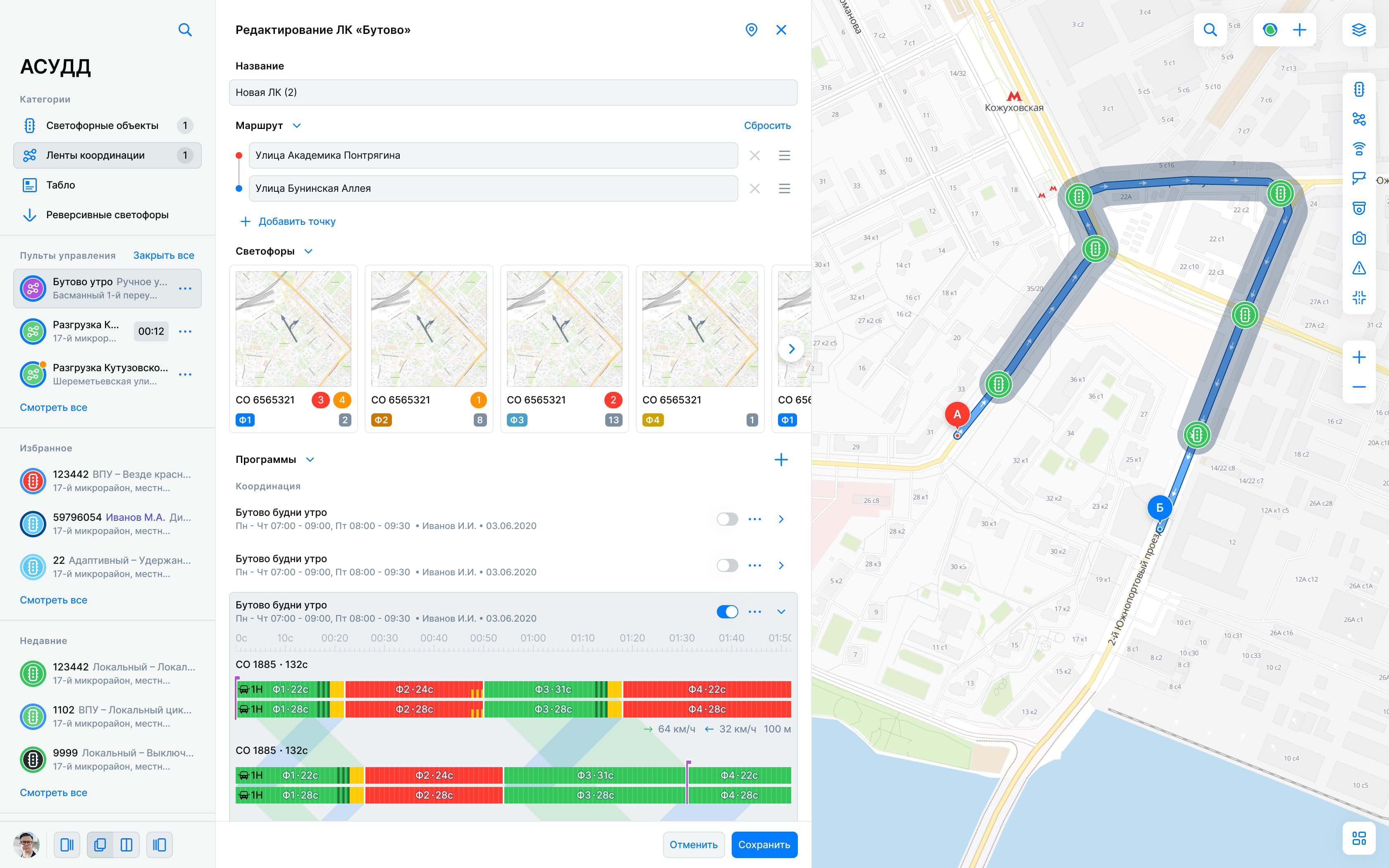
The first product to adopt the system was Traffic management system — a complex platform used to manage traffic lights, bridges, and city infrastructure. It dictates the timing of every traffic light, managing not just single intersections but entire streets to create "green waves" (so cars don't get stuck at every light).
It was the company's most technically demanding product. In a way, this complexity made my job easier: if the design system patterns held up under the stress of TMS, scaling them to the rest of the company’s products would be a breeze.
Design Department Reorganization
After finishing the heavy product design work for TMS and successfully battle-testing the components, it was time to reorganize before scaling. At this point, I was formally promoted to Lead Designer and Design System Owner.
I aligned the changes with the CTO. We set up a dedicated project in Azure for the design system and invited the developers. Technically, the design system code used to be coupled with TMS; now, it was extracted into its own independent entity.
Designers started logging tasks there. The UI kit in Figma was split into "approved files" (for developers) and "WIP (Work In Progress) files." Every designer could contribute to the WIP files. This solved two major issues: it alleviated my personal bottleneck and gave the team the creative outlet and personal growth they needed.
Management didn't demand fancy productivity charts because I was too busy doing the actual work. However, the results spoke for themselves: I kept my promise to the CTO. The design department didn't need to expand its headcount, even though the number of projects doubled and their complexity increased significantly. The team remained stable.
Scaling and Delegation
All new systems were now built using the UI kit, which our Senior designers handled effortlessly. But to redesign the legacy systems (which had no new functional requirements), we needed to unlock the potential of our Junior designers.
The challenge was my bandwidth: I was leading two flagship products while managing the design system. I needed to delegate.
I focused on mentoring one specific designer who showed the strongest aptitude for product design. He became my deputy — helping guide the other designers, approving mockups, and covering for me when I was overloaded or on PTO.
Simultaneously, I reached out to a former colleague with whom I had built design systems in the past. I brought him into the company specifically to manage the UI kit, handle developer handoff, and maintain documentation — allowing me to focus on product and leadership.
By the time the company resumed expanding, our processes were so solid that we were fully prepared to hire and onboard Juniors, completely eliminating the desperate need for new Senior designers.
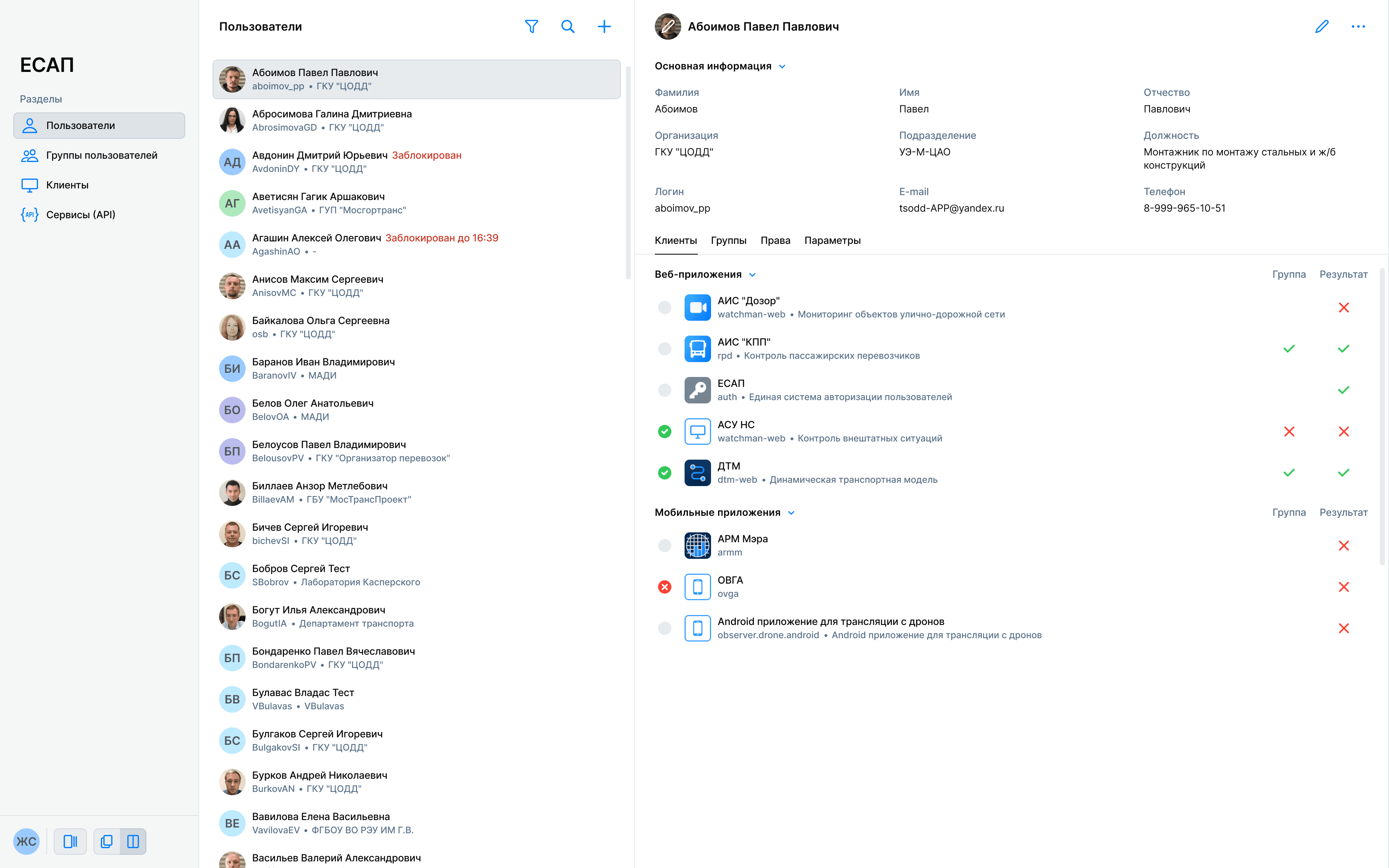
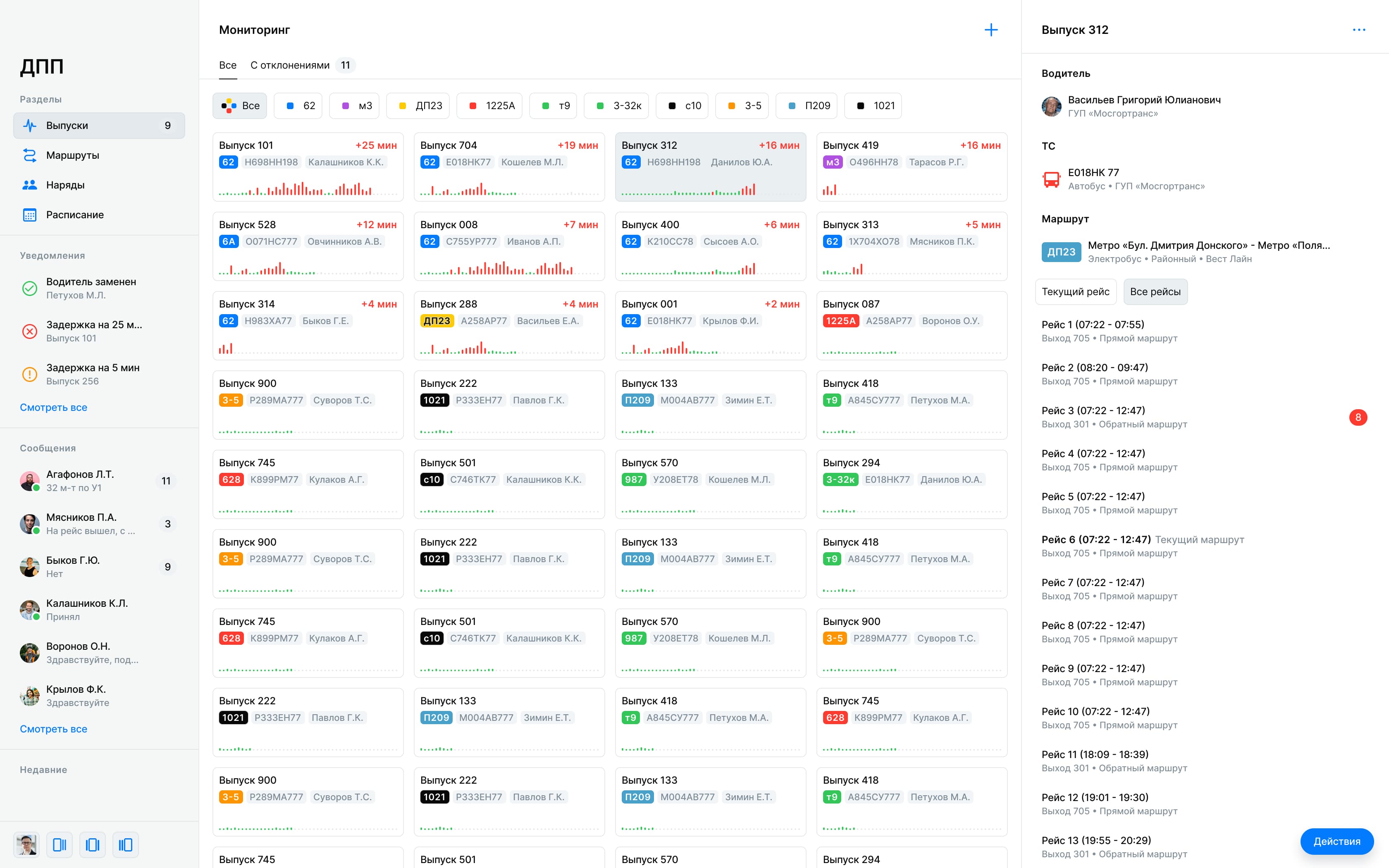
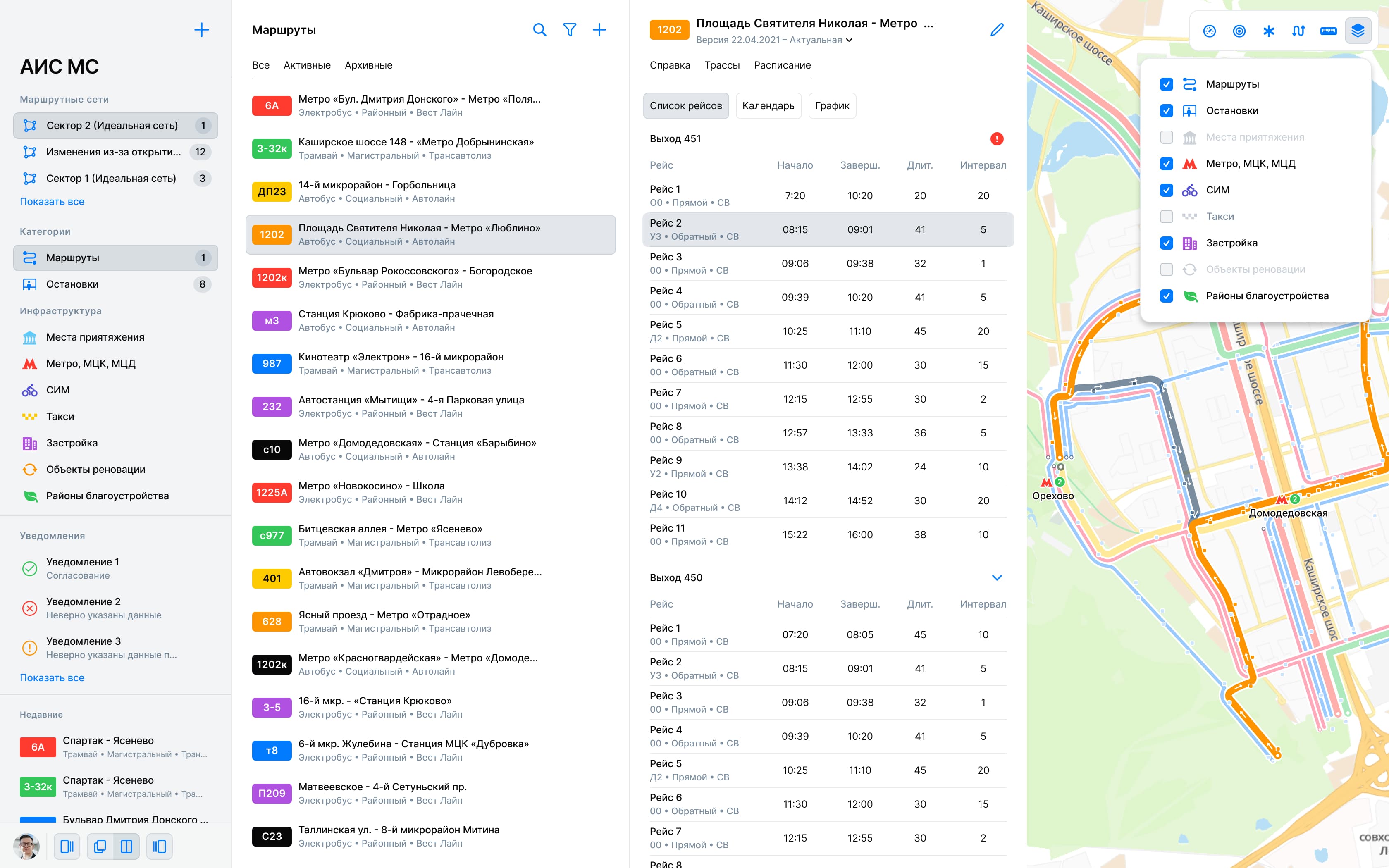
Here is an example of a legacy system redesign executed by a Junior designer: