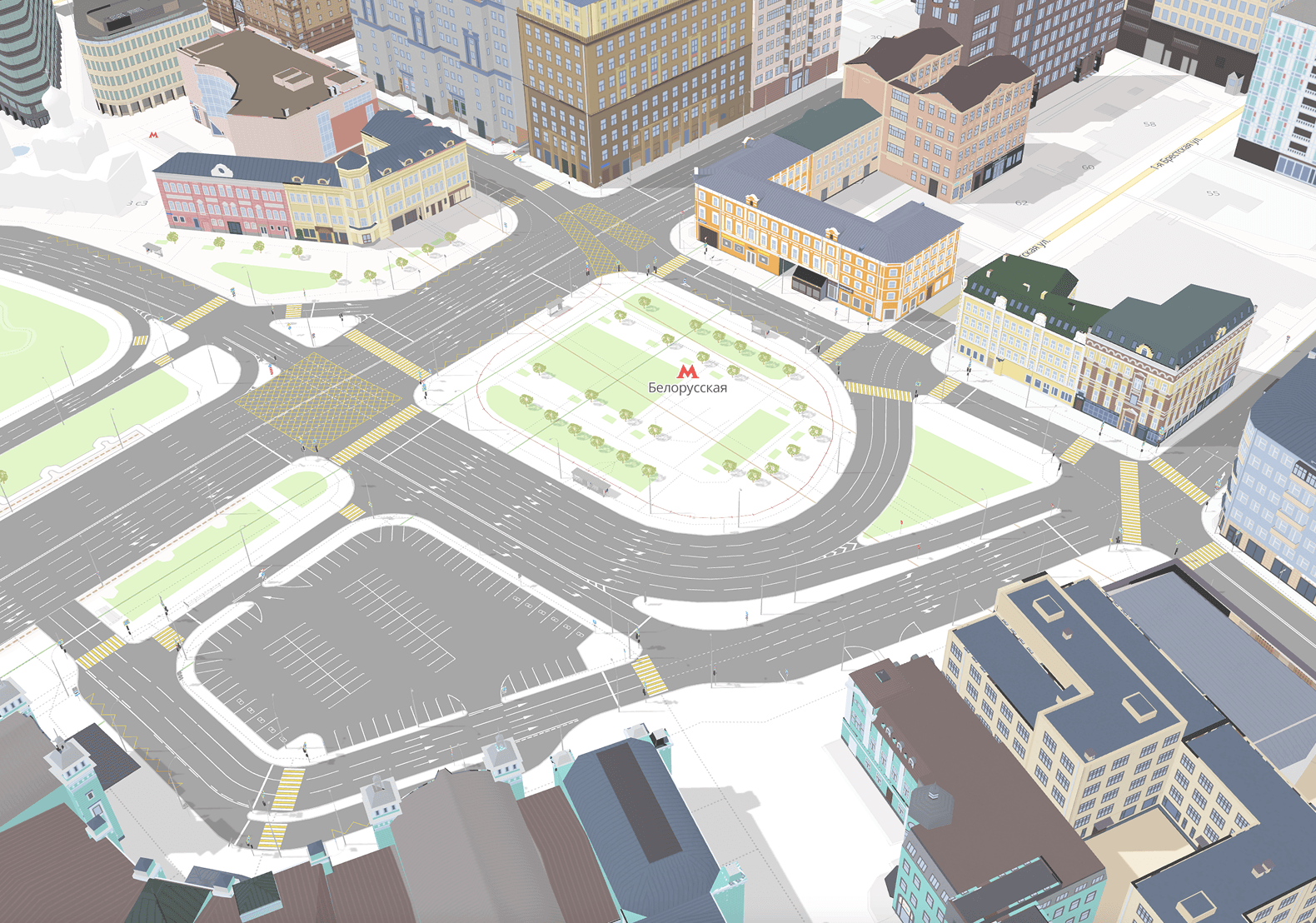
A Traffic Scheme Editor
The Challenge
Traffic network designers were stuck using AutoCAD — a legacy tool that has been on the market for over 40 years. It was heavily monopolized, incredibly expensive, and designed as a general-purpose digital drafting board used by everyone from architects to mechanical engineers. This made it clunky and compromised for the specific needs of traffic design.
To use an analogy, AutoCAD is like Photoshop: overly complex, bloated, expensive, lacking real-time collaboration, and notorious for a steep learning curve. Our mission was to build the "Figma for traffic engineers" — a specialized, cloud-native tool with seamless team collaboration and an incredibly low barrier to entry.
Phase 1: Discovery & User Interviews
I started by meeting with traffic engineers to understand their daily workflows. Beyond just learning how they used their current tools, I dug into the company's hiring and onboarding processes. This was crucial because legacy systems of this kind suffer from agonizingly long training periods. Although the initial brief was essentially to just "move AutoCAD to the cloud with multiplayer," I realized that drastically simplifying the mechanics for new users would give our product a massive competitive advantage.
Phase 2: Conceptual Sketching
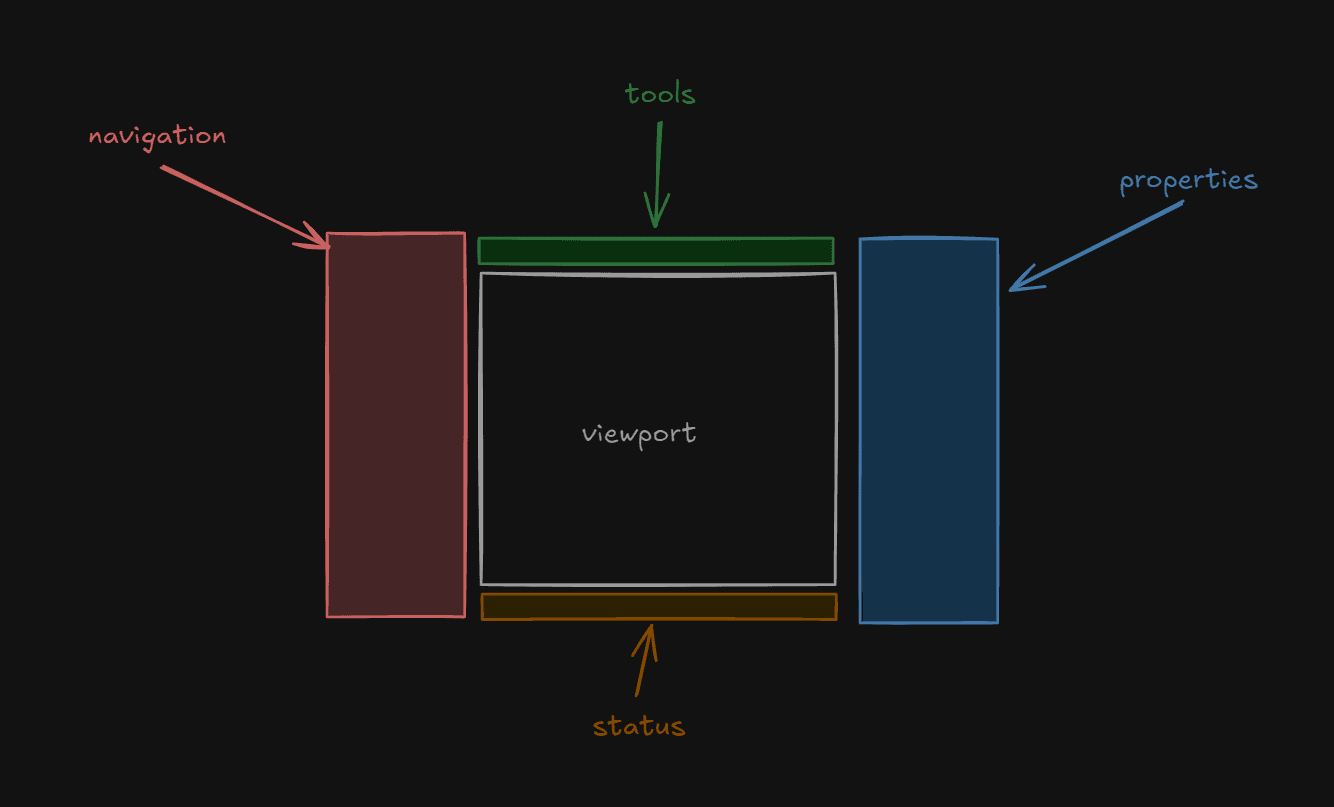
Before diving deep into the mechanics of AutoCAD and its direct alternatives, I sketched out a baseline interface concept. My goal was to create a layout that even someone far removed from professional engineering could understand. I relied on universally recognized UI patterns and mental models that people encounter in everyday software (like Word or Excel).
Phase 3: Competitive Analysis & Inspiration
I looked for inspiration across both direct competitors and indirect tools. While I paid close attention to Autodesk as the market leader, I also analyzed tools like Cinema 4D and Figma.
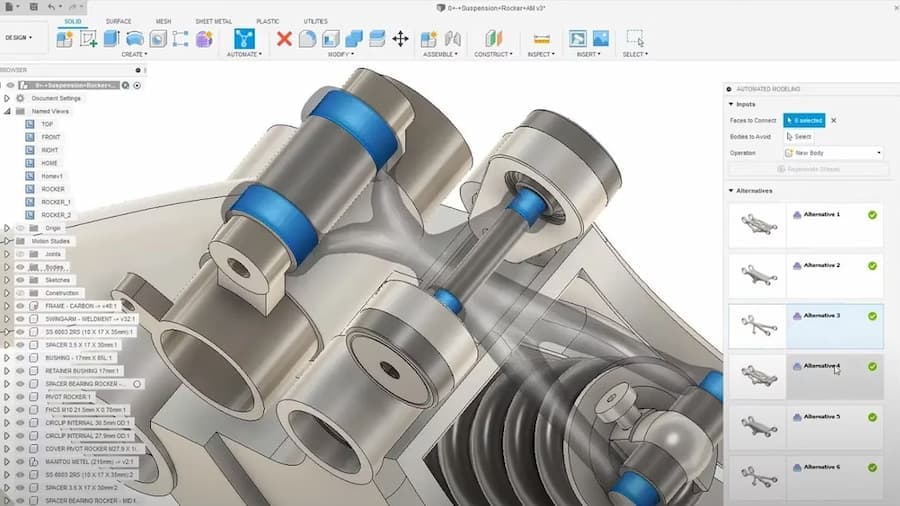
I was particularly interested in Autodesk’s Fusion 360. Even though it's an industrial 3D design tool, it represented Autodesk's "next generation" of cloud-based software. I wanted to see what legacy features they chose to abandon and what they replaced them with. Seeing that Fusion 360’s layout closely aligned with my initial sketches and Figma's interface was a strong validation of my concept.
Phase 4: Planning, Feature Generation & UX Advocacy
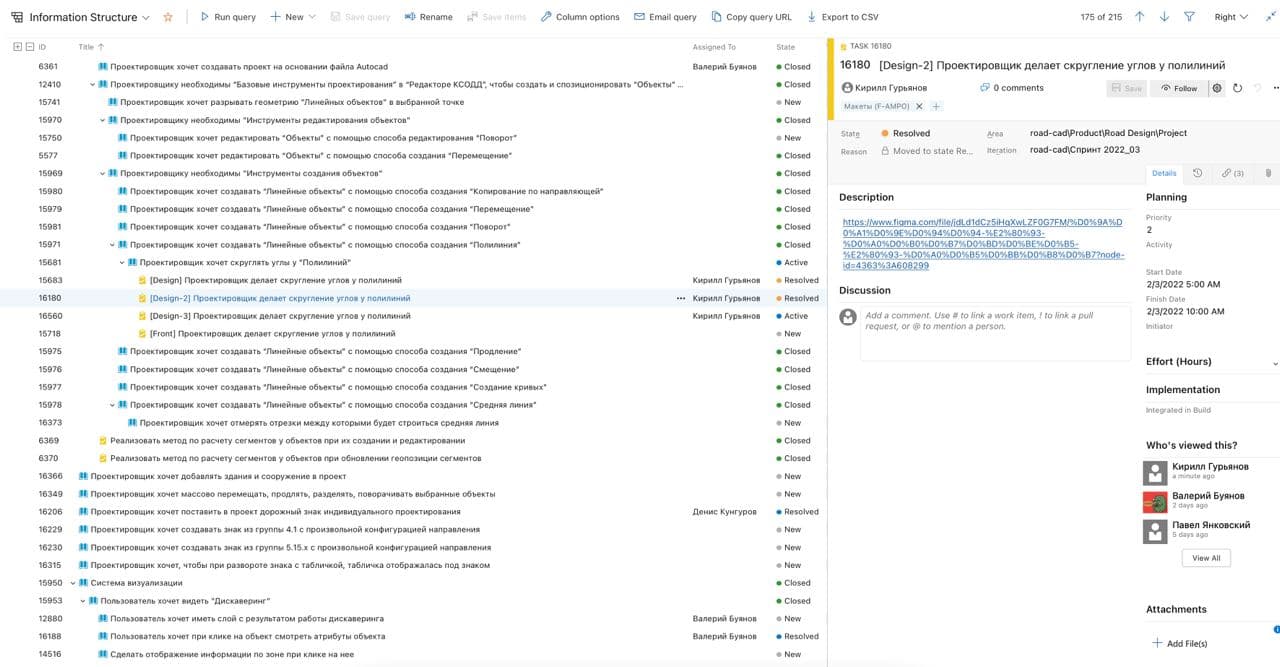
Working closely with the Product Manager, we defined the MVP, prioritized the backlog, and broke it down into sprints. This phase required strong UX advocacy and the ability to defend design decisions:
- The Layers Panel Debate: AutoCAD didn't have a modern layer tree like Figma or Fusion 360; instead, it relied on a complex, unpredictable set of controls to select objects hidden beneath other objects. The PM argued against a layers panel, fearing it would take up too much screen real estate. I successfully proved that adding a simple "Hide UI" shortcut (like in Figma) was far superior to forcing users to memorize complex commands for object manipulation. Pointing to the existence of a layer tree in Fusion 360 served as the winning argument.
- Map-First Project Creation: Unlike Figma, where a project is location-agnostic, our tool required geographical context. In AutoCAD, the workflow was tedious: create a blank canvas, paste a map screenshot, manually scale it, add project borders, and draw on top. Because users were used to this, they didn't complain. However, I saw an opportunity to completely reimagine this flow. I designed a new process where users simply open an interactive map and select a specific area to automatically generate a project. When I tested this concept with them, it caused genuine delight. It’s a perfect example of how the best ideas often come from a designer's vision and experimentation rather than direct user requests, and it played a massive role in building user trust early on.
Phase 5: Implementation & Prototyping
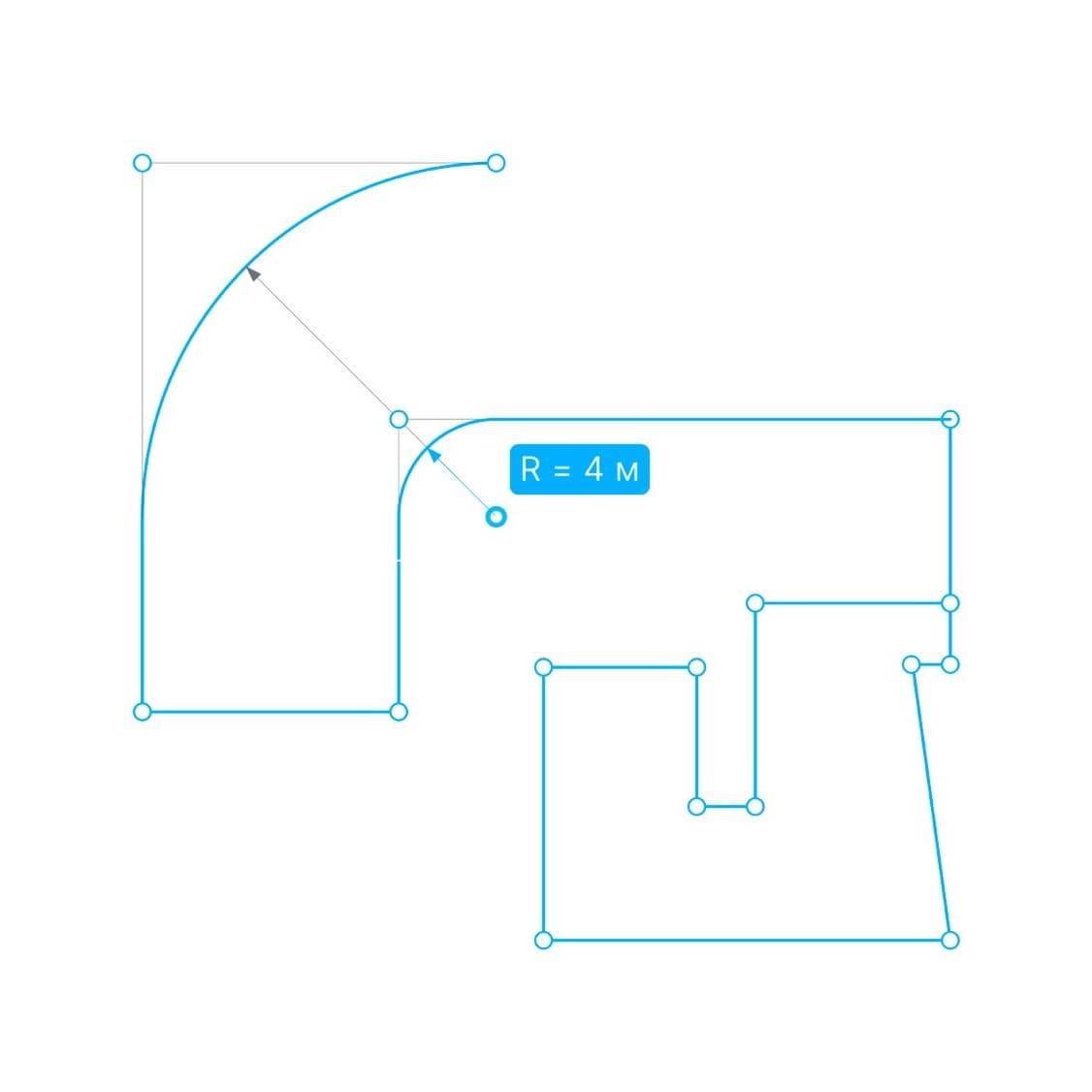
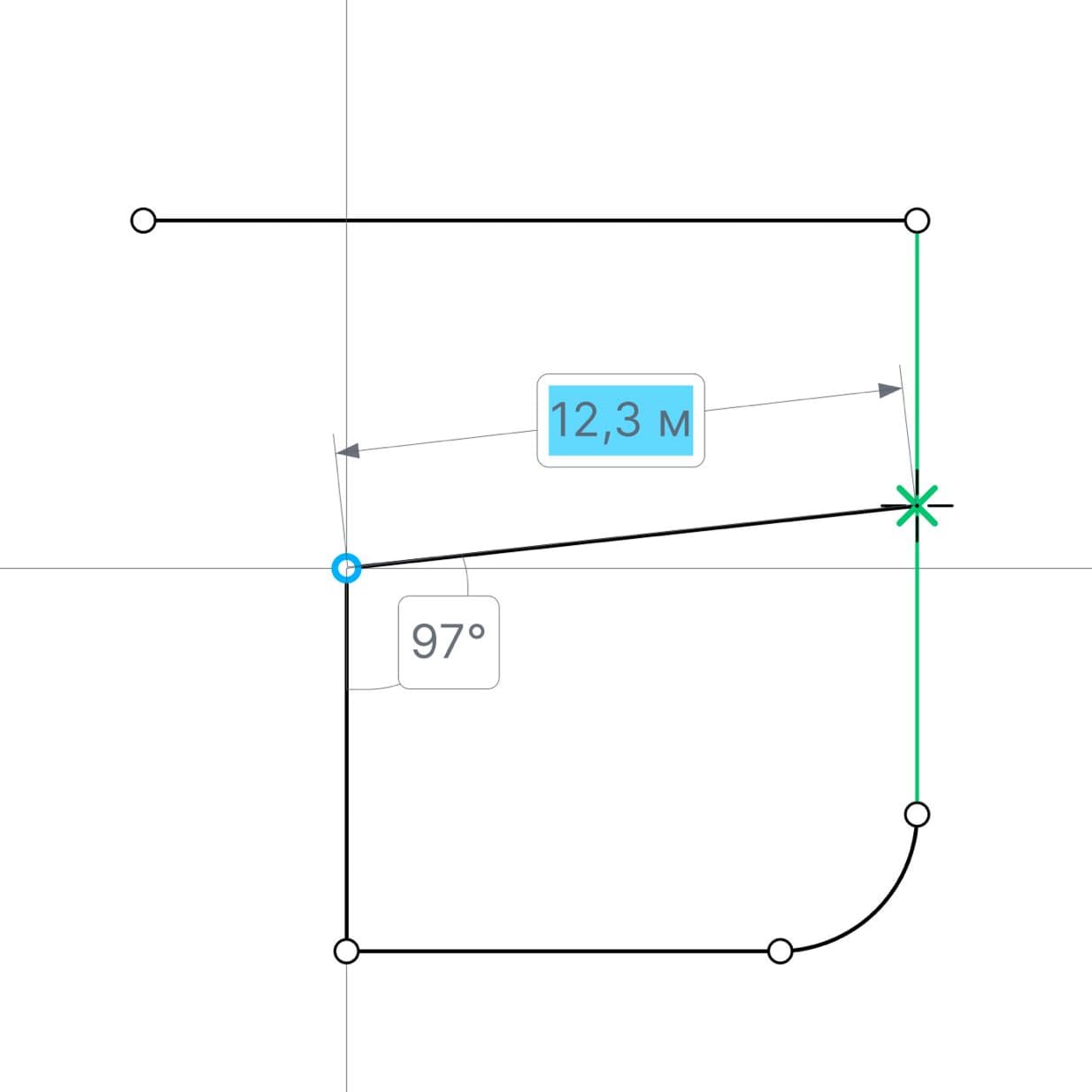
After establishing the core architecture, we entered a lengthy phase of populating the app with specific tools: road surfaces, curbs, markings, signs, and traffic lights.
We spent months running usability tests and refining the drawing mechanics. Once the core, unique interactions were perfected, adding new tools became a streamlined process of duplicating mechanics with new attributes. At this stage, having established the core vision and interaction mechanics, I stepped back from day-to-day hands-on design. I onboarded and mentored a team of mid-level designers who continued to evolve the editor under my direction. This shift allowed me to scale our efforts, transition to a new product (ASUDD), and focus on building out our comprehensive design system (UI Kit).
The Impact & Results
The product was launched to internal engineering teams after about a year and a half of development, and the feedback was overwhelmingly positive.
- Drastically Reduced Onboarding: We slashed the learning curve from several weeks (in AutoCAD) to just one day. New users could start designing fundamental schemes on day one and gradually learn automation tools that eliminated routine tasks.
- Massive Adoption: By the time I left the company three years later, approximately 70% of Moscow's road network had been mapped using this product. Driven by this success, the company scaled its operations and successfully secured contracts to deploy the tool in several other major cities.
- Ecosystem Foundation: The product eventually expanded to include analytical layers, traffic simulation, and 3D viewing capabilities. Most importantly, the data generated in our editor became the foundation that fed other smart city systems, including ASUDD.